Introduction
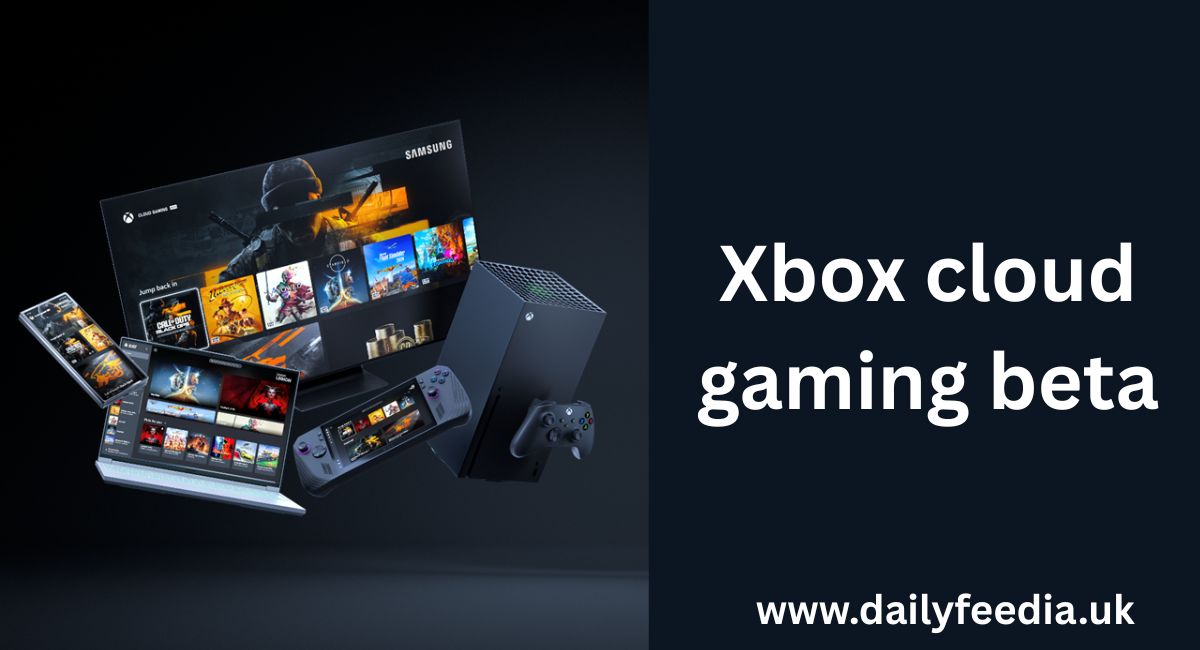
When someone tries out Xbox cloud gaming beta for the first time, they discover a world where high‑end games can be played on almost any device — no console needed. This service by Microsoft makes it possible to stream games directly to smartphones, tablets, PCs or smart TVs, bypassing the need for expensive hardware.
As gaming evolves, cloud streaming brings cross‑platform flexibility and on‑demand gaming to players who want convenience without compromise. With a stable internet connection, players can enjoy a vast game library through Game Pass, and move seamlessly between devices while their progress and content stays synced.
When someone signs up for Xbox Cloud Gaming (Beta), they open the door to a world where console‑quality games are playable on almost any device, without needing powerful hardware. This service, powered by Microsoft and tied to Xbox Game Pass, redefines what it means to “own” a console. Instead of investing in expensive hardware, players can stream high-quality games from the cloud on a laptop, smartphone, tablet or smart TV — saving cost and maximizing convenience.
Cloud gaming removes traditional barriers such as console upgrades or storage constraints. For players in regions with moderate-to-good internet, Xbox Cloud Gaming offers a flexible way to experience popular titles. As devices become more varied — from phones to Smart TVs to VR headsets — the ability to play without a dedicated console makes gaming more accessible and inclusive.
With continuous updates in 2025, Xbox Cloud Gaming (Beta) isn’t just an experiment anymore. It is fast evolving into a core gaming platform. This article explores what the beta actually offers, how it works across devices, what players should expect, and whether it lives up to its promise.
What is Xbox Cloud Gaming Beta?
Xbox Cloud Gaming Beta is a cloud-based streaming service by Microsoft that allows players to stream and play games remotely, without needing to own a powerful console or gaming PC. Originally launched under the name Project xCloud, the beta has matured over time to support a wide variety of devices and services.
Instead of requiring a console or a high‑end gaming setup, the service renders games on remote servers, then streams gameplay video to the user’s device. Inputs from the player — controls, keyboard/mouse, or touch — are sent back to the server, creating a seamless interactive experience. This lets players access their games anywhere they have a stable internet connection and a supported device.
Importantly, Xbox Cloud Gaming Beta ties into the subscription model of Xbox Game Pass, making eligible titles available for streaming. It also offers a “Stream Your Own Game” feature, enabling players to stream games they already own — not only those included in Game Pass — on supported devices.

How Does Xbox Cloud Gaming Beta Work?
The operation of Xbox Cloud Gaming Beta relies on cloud infrastructure: games run on remote servers (the cloud), with high-end hardware processing graphics and game logic. The resulting video frames are encoded and streamed over the internet to the user’s device, while the user’s inputs (controller, mouse, keyboard, touch) are sent back to the server. This streaming model lets even modest devices — like a low-end laptop or smartphone — deliver console-level games without local rendering.
Because of improvements introduced over the years, the latency and performance have become much more manageable. Techniques like optimized video encoding/decoding, server-side hardware equal to top-tier consoles, and better data-center distribution help reduce lag and improve visual quality.
Supported devices include: Windows PC, Mac, iPhone/iPad, Android phones/tablets, Smart TVs (Samsung, LG and others), Amazon Fire TV devices, VR headsets, and even consoles themselves — over time broadening the reach for players.
Because it’s cloud-based, Xbox Cloud Gaming Beta also provides seamless cross-device sync: saves, in‑game purchases, add-ons, and progress carry over between sessions and devices as long as users sign into their account.
Key Features of Xbox Cloud Gaming Beta
- Device Flexibility: Players can stream and play games on a wide array of devices — from PCs and smartphones to Smart TVs and VR headsets — without owning an Xbox console.
- Large Library with “Stream Your Own Game”: Aside from Game Pass titles, users can stream select games they’ve purchased separately — expanding their gaming library beyond subscription-only content.
- Cross‑Device Synchronization: Game progress, purchases, add-ons, multiplayer profiles and chat are synchronized across console, PC and cloud — offering continuity and convenience for players switching devices.
- Support for Multiple Input Methods: Cloud gaming supports a variety of control schemes: Bluetooth/Xbox wireless controllers, PlayStation DualShock or DualSense controllers, third‑party controllers, and — where applicable — touch controls or keyboard/mouse on supported devices.
- Instant Access and No Download Required: Since games run entirely in the cloud, there’s no need to download large game files. Players can jump into games instantly, which is especially useful for devices with limited storage or modest hardware capabilities.
How to Access Xbox Cloud Gaming Beta: Step‑by‑Step
- Get a Subscription
The cloud service is tied to a subscription via Xbox Game Pass. Historically, Game Pass Ultimate has been the primary gateway to Xbox Cloud Gaming. - Use a Supported Device and Browser/App
• On Windows or macOS, users can access cloud games via a supported web browser (like Edge, Chrome, or Safari) or via the Xbox app.
• On mobile devices (Android, iOS / iPadOS), the process uses the Xbox Game Pass app (or browser on iOS due to App Store restrictions).
• On Smart TVs (Samsung, LG, etc.), Amazon Fire TV, or VR headsets — the Xbox Cloud Gaming app or Xbox app can be installed. - Log In
The user signs in with their Microsoft/Xbox account associated with Game Pass. - Choose a Cloud‑Playable Game
The game library shows which titles are streamable via cloud. For purchased games, “Stream Your Own Game” allows streaming beyond Game Pass catalog where supported. - Connect a Controller or Input Method
For best experience, connect a compatible controller. Some games also support touch or keyboard/mouse depending on the device. - Ensure Stable Internet Connection
A stable, decent-speed internet connection is essential to keep latency manageable and prevent streaming issues — especially for action games.
Once done, the user can launch and play games instantly — no local installation or hardware upgrades needed.
Performance and Experience in 2025
By 2025, Xbox Cloud Gaming Beta has made notable strides in performance and stability. Cloud infrastructure improvements, combined with optimized streaming techniques, have cut down latency and improved video quality for many users.
Latency — once a primary concern for cloud gaming skeptics — has been significantly reduced via better encoding/decoding, server optimizations, and distribution of data centers closer to users.
For many players, the experience now rivals traditional console gaming, especially on slower-paced or story-driven games where precise millisecond input isn’t critical. In fact, the flexibility of switching between devices — smartphone, tablet, PC, or Smart TV — while keeping game progress synced, delivers convenience that traditional setups cannot match.
However, the experience still depends heavily on the user’s internet speed and stability. Fast, low-latency connections lead to the best results; in regions with weak or inconsistent internet, performance may suffer.
Benefits of Xbox Cloud Gaming Beta
- Cost Efficiency: No need for expensive consoles or hardware upgrades. Players with modest devices can access modern games.
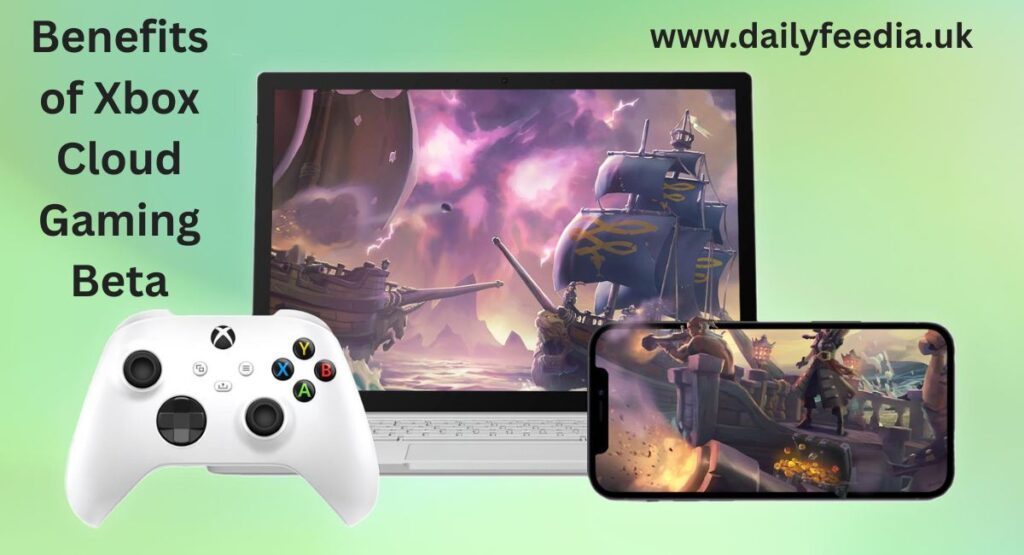
- Flexibility & Convenience: Play on multiple devices — everywhere: at home, on the go, while traveling — with just a stable internet connection.
- Instant Play Without Downloads: Skip downloads and installations; stream games directly.
- Cross-Platform Continuity: Saves, purchases, add-ons and multiplayer profiles follow the user across all platforms.
- Expanded Library Access: Through Game Pass and “Stream Your Own Game,” players get access to a wide variety of games, increasing value for money.
- Inclusivity: People who don’t own a console can still enjoy AAA games, which broadens access globally — especially in regions where consoles are costly or difficult to obtain.
Limitations and Things to Keep in Mind
- Internet Dependency: Streaming quality and playability depend heavily on internet speed and stability. In areas with limited bandwidth or unstable connections, the experience may degrade.
- Not All Games Are Always Available: While the library is large, not every game supports cloud streaming — especially some newly released titles or those needing high-end performance.
- Input/Latency Sensitivity: For competitive or fast‑paced games, even slight latency may affect performance compared to local console/PC gaming.
- Potential Regional Restrictions: Cloud gaming availability, game catalog, and streaming quality might vary depending on region.
- Subscription Model: Users need an active subscription (Game Pass or equivalent) to access most features; not always a one-time purchase.
Comparison: Cloud Gaming vs Traditional Console/PC Gaming
| Feature | Cloud Gaming (Xbox Cloud Gaming Beta) | Traditional Console/PC Gaming |
| Hardware Investment | Minimal — use existing devices | High — console or gaming PC needed |
| Game Installation | No installation, instant streaming | Requires download/installation |
| Device Flexibility | High — many device types supported | Limited — tied to console/PC |
| Game Performance | Dependent on internet and server | Consistent hardware-based performance |
| Upgrades Needed | Rare — cloud server handles performance | Frequent — hardware upgrades for new games |
| Game Ownership / Access | Subscription-based / “stream your own” | Buy game copy and play anytime |
| Network Dependence | High — must have stable internet | Low — once downloaded, internet not always needed |
Cloud gaming trades hardware ownership and setup hassles for convenience, flexibility, and accessibility. For many users — especially casual gamers or those without high-end hardware — this tradeoff makes a lot of sense.

Future Outlook & Why It Matters
Cloud gaming is more than a convenience — it’s a shift in how games are distributed, played, and experienced. For users in countries where consoles are expensive or hard to get, services like Xbox Cloud Gaming democratize access.
With expanding device support — including PCs, mobiles, tablets, Smart TVs, and VR headsets — cloud gaming continues to break platform barriers. “Stream Your Own Game” widens the scope, giving legitimacy to digital game ownership while avoiding download or storage issues.
As global internet infrastructure improves and server networks expand, latency and performance will likely get even better. For developers, cloud gaming offers access to a broader, more diverse player base without hardware constraints. For gamers, this means cheaper, flexible access to AAA titles.
In the long run, cloud gaming could redefine the economics of console gaming — less hardware dependency, lower barrier to entry, and a shift toward gaming-as-a-service.
Frequently Asked Questions (FAQ)
Is Xbox Cloud Gaming in beta?
Not anymore. Microsoft recently announced that Xbox Cloud Gaming has exited its “beta” phase, delivering improved performance and updated streaming quality.
Is Genshin Impact on Xbox Cloud?
Yes — Genshin Impact is available on Xbox Cloud Gaming (for subscribers with the right plan).
Can we play GTA 5 on Xbox?
Yes — GTA 5 is currently included again in Xbox Game Pass (as of April 2025), so it’s playable on Xbox consoles.
Did Xbox lose 300 million dollars?
I couldn’t find credible, recent public data confirming that Xbox recently lost “300 million dollars.” There are sometimes rumors or speculative reports, but nothing official supports that exact claim as of now.
Why did Xbox remove the $1 Game Pass offer?
The $1 introductory offer for new Game Pass subscribers has been phased out globally as part of Microsoft’s pricing and promotion changes — the entry‑tier now leads directly to regular subscription pricing.
Can I play Xbox on iOS?
Yes — Xbox Cloud Gaming supports web browsers on iOS (Safari, Chrome, etc.), so you can stream games on iPhone or iPad without needing a console.
Will Xbox Cloud Gaming ever leave beta?
It already has. As of late 2025, Microsoft has removed the “beta” label from Xbox Cloud Gaming.
How to claim 3 months free PC Game Pass?
There is no widely available or official “3 months free PC Game Pass” offer at the moment. Promotional deals change often, so if Microsoft runs such an offer it will likely be announced on their official site or through authorized retailers.
Conclusion
Xbox Cloud Gaming (Beta) represents a shift in how games are delivered and experienced. By leveraging the cloud, Microsoft offers a platform where players can enjoy high-quality games on a variety of devices, without hefty hardware investment. For many, this means cheaper, more accessible gaming.
While it’s not a perfect substitute for traditional console or PC gaming — especially where latency and performance matter — cloud gaming opens doors for players who otherwise might not access high-end games. As device support expands and technology improves, Xbox Cloud Gaming could become a major pillar in the gaming ecosystem.
For gamers seeking flexibility, accessibility, and convenience — especially in regions where hardware costs are high — cloud gaming offers real value. And for anyone ready to stream their games instead of downloading them, the cloud awaits.