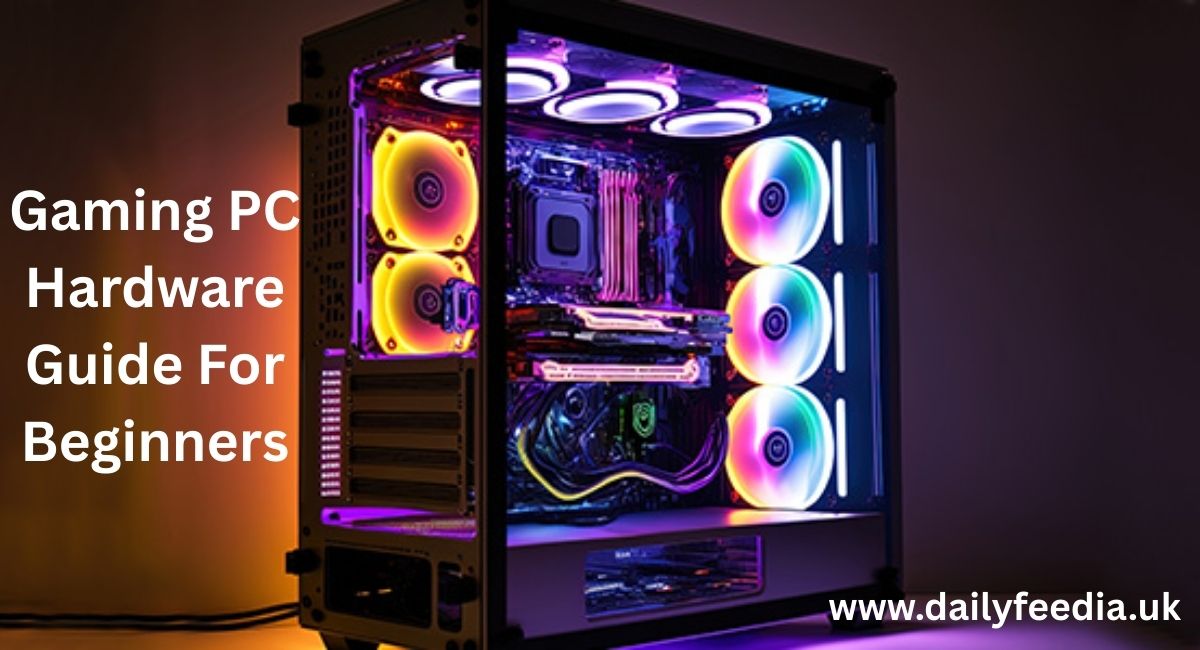
Buying or building your first gaming PC can feel overwhelming, especially when you’re searching for a gaming PC hardware guide for beginners. Every forum says something different. One video says you need top tier parts. Another says a budget setup is enough. Beginners usually end up confused, or worse, they waste money on the wrong hardware.
I’ve helped people fix badly balanced builds, upgrade slow systems, and troubleshoot PCs that should have worked but didn’t. This guide is written from that real experience. It focuses on what actually affects gaming, what beginners misunderstand, and how to make smart choices without overthinking.
What Really Makes a Gaming PC Good
A good gaming PC is not about max specs. It’s about balance.
If one part is too weak, the whole system suffers. If one part is too strong, you pay extra for no benefit. Games care about smooth frame rates, stable performance, and reasonable load times. Fancy lights and extreme numbers don’t matter if the game stutters.
A beginner gaming PC should do four things well:
• Run your favorite games smoothly
• Match your monitor resolution
• Stay cool under load
• Allow easy upgrades later
Anything beyond that is optional.
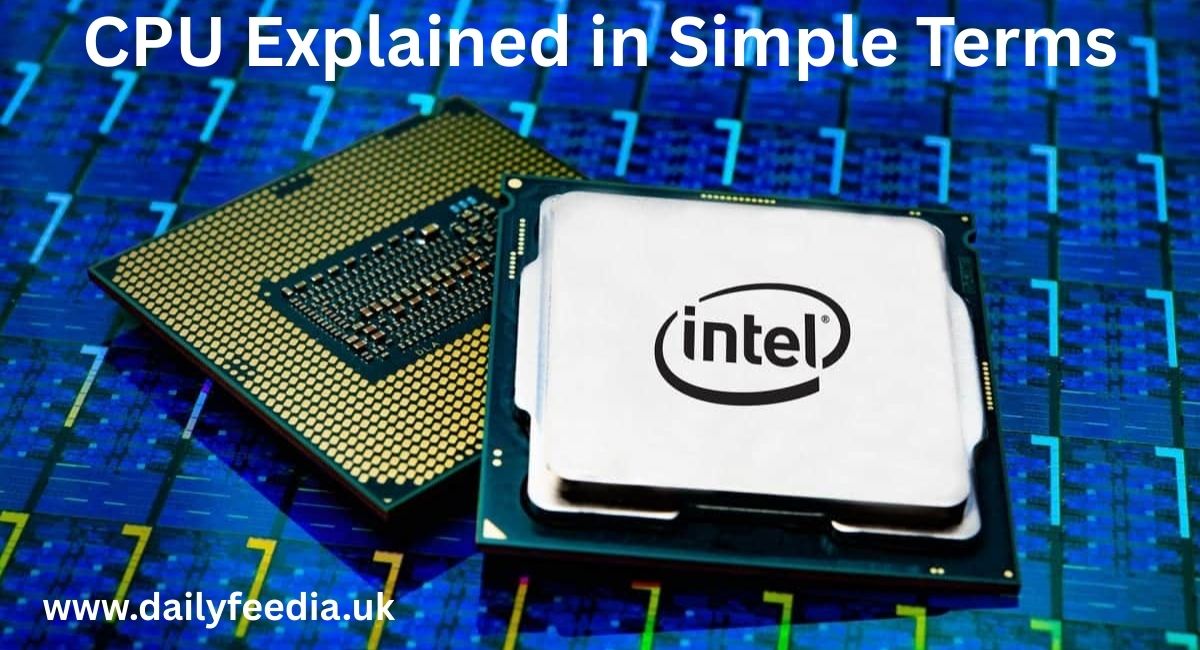
CPU Explained in Simple Terms
The CPU handles game logic, AI behavior, physics, and background tasks.
Most beginners think more cores automatically mean better gaming. That’s not true. Many games still rely on strong single core performance.
Good beginner CPUs
• AMD Ryzen 5 5600 (released 2022, 6 cores, very efficient)
• Intel Core i5 12400F (released 2022, strong gaming value)
These CPUs run games like GTA V, Fortnite, and Elden Ring without issues when paired with the right GPU.
Common beginner mistake
Buying an expensive CPU and pairing it with a weak graphics card.
I’ve seen systems with a Ryzen 9 and an old GTX card struggling in modern games. The CPU was barely used, while the GPU was maxed out. Money wasted.
GPU Is Where Most of Your Budget Should Go
The GPU decides how smooth your games feel and how good they look.
If you play games like:
• Cyberpunk 2077 (2020, PC)
• Red Dead Redemption 2 (2019, PC)
• Call of Duty Warzone (2020, PC)
Your GPU matters more than any other part.
Beginner friendly GPUs
• NVIDIA RTX 3060 (2021, solid 1080p and 1440p)
• AMD RX 6600 (2021, excellent value for 1080p)
What beginners misunderstand
VRAM numbers alone do not define performance. A well designed GPU with 8GB can outperform a poorly designed one with more memory.
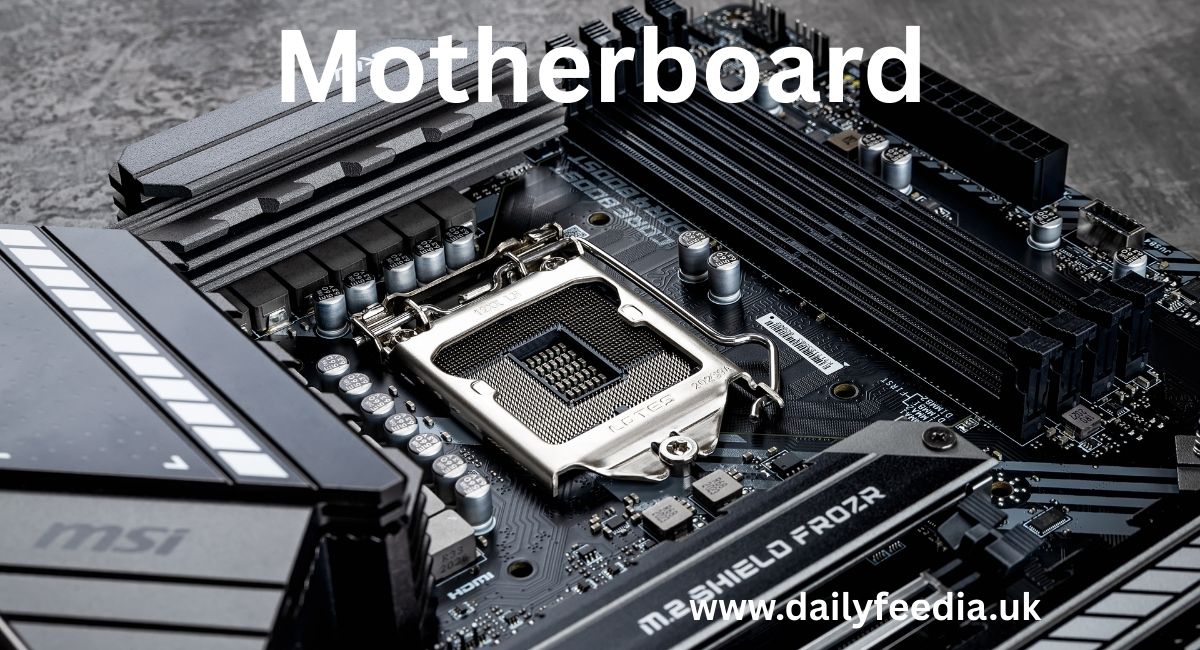
Motherboard: Simple, Compatible, Reliable
The motherboard connects everything. It does not improve FPS.
Beginners often overspend here because they think more features mean better gaming. Most of those features go unused.
What actually matters
• Correct CPU socket
• RAM support
• Enough USB ports
• One or two SSD slots
Always check the CPU compatibility list on the manufacturer’s site. BIOS mismatch issues are common for first time builders.
RAM: How Much and Why It Matters
RAM affects loading times and multitasking more than raw FPS.
Recommended for beginners
• 16GB total
• Two sticks, not one
• DDR4 3200 to 3600MHz
Games like Hogwarts Legacy (2023, PC) and Warzone can stutter badly on 8GB systems.
A single 16GB stick also performs worse than two 8GB sticks. This is a mistake many beginners make to save money.
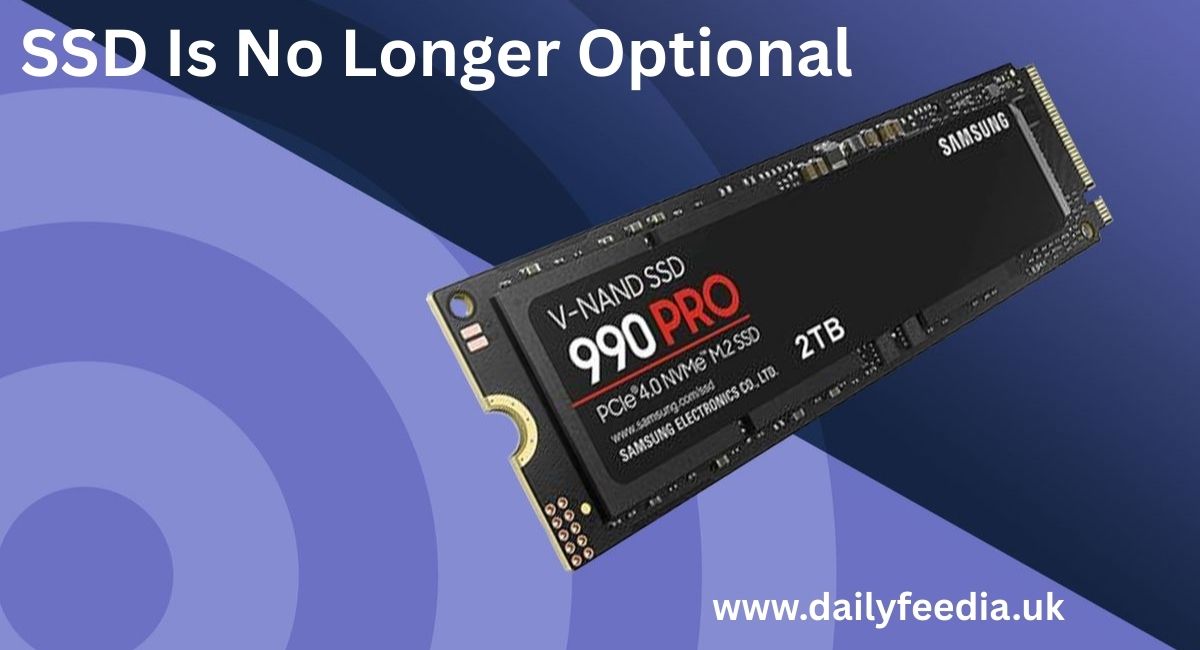
Storage: SSD Is No Longer Optional
An SSD will not increase frame rate, but it changes how the PC feels.
Games like Starfield (2023, PC) and open world titles load faster, stream textures better, and feel smoother on SSDs.
Best setup
• 1TB NVMe SSD for Windows and games
• Optional HDD later for storage
Avoid running modern games from HDDs if possible.
Power Supply: The Most Ignored Part
This is where many beginner builds fail.
A low quality PSU can cause crashes, shutdowns, or permanent damage.
What to look for
• Trusted brand
• 80 Plus Bronze or Gold rating
• Enough wattage with extra headroom
For a mid range GPU build, 650W is usually a safe choice.
Never buy the cheapest PSU just to save money.

Case and Cooling: Airflow Over Looks
A case with poor airflow will reduce performance due to high temperatures.
Beginner advice
• Mesh front panel
• Two intake fans
• One exhaust fan
Stock CPU coolers are fine for mid range CPUs. Liquid cooling is not needed for beginners and often adds complexity.
Choosing Hardware Based on the Games You Play
Different games stress hardware differently.
Competitive games
Examples:
• Valorant (2020, PC)
• CS2 (2023, PC)
These benefit from:
• Strong CPU
• Stable frame rates
• High refresh rate monitors
Open world and story games
Examples:
• Cyberpunk 2077
• Assassin’s Creed Valhalla (2020, PC)
These rely more on:
• Strong GPU
• Enough VRAM
• Fast storage
Example Beginner Builds
Budget 1080p Build
Good for most players.
• Ryzen 5 5600
• RX 6600
• 16GB RAM
• 1TB NVMe SSD
Runs modern games at high settings smoothly.
Mid Range 1440p Build
For better visuals and future proofing.
• Intel i5 12400F
• RTX 3060 or RX 6700 XT
• Better airflow case
Ideal for newer AAA titles.
Common Beginner Mistakes I See Often
1. Compatibility issues
Wrong CPU socket, unsupported RAM speeds, outdated BIOS.
2. Spending too much on looks
RGB adds zero performance.
3. Weak power supply
Causes instability and random crashes.
4. No upgrade planning
No extra RAM slots or SSD space.
Prebuilt PCs vs Building Yourself
Prebuilt systems are fine for beginners who don’t want to assemble parts.
Pros
• Warranty
• Easy setup
• Less stress
Cons
• Lower quality PSUs
• Locked motherboards
• Higher cost
If buying prebuilt, always check exact specs. Never trust vague descriptions.
Things Beginners Usually Get Wrong
• Ultra settings rarely look much better than High
• FPS stability matters more than peak numbers
• Bottlenecks are normal
• Not every part needs upgrading at once
Understanding this saves money and frustration.
Planning for Future Upgrades
A smart beginner build allows:
• More RAM later
• GPU upgrade without PSU change
• Extra SSDs
This extends the life of your system.
Final Advice From Experience
If I were building my first gaming PC today, I would focus on a strong GPU, reliable power supply, and simple compatibility. I would ignore hype, RGB, and extreme specs.
A balanced PC always feels better than an expensive but poorly planned one.
Frequently Asked Questions
Is it better to build a gaming PC or buy a prebuilt one as a beginner?
If you are comfortable following guides and checking compatibility, building is usually cheaper and gives better parts. If you want zero setup stress, a prebuilt is fine, but always check the exact GPU, PSU brand, and RAM setup before buying.
How much RAM do I really need for gaming in 2026?
For most games, 16GB is still the safe and practical choice. Games will run on 8GB, but you’ll often see stutters, slow loading, or issues when multitasking. Upgrading from 8GB to 16GB is one of the most noticeable improvements.
Do I need a very powerful CPU for gaming?
Not usually. Mid range CPUs handle gaming well when paired with a good GPU. Spending too much on the CPU rarely improves game performance and often takes budget away from the graphics card, where it matters more.
Why do some games stutter even with good hardware?
This often comes from slow storage, insufficient RAM, overheating, or background apps. I’ve seen systems with strong GPUs stutter simply because the game was installed on an old hard drive or the case had poor airflow.
Can I upgrade my gaming PC later instead of buying everything at once?
Yes, and this is a smart approach. Plan for upgrades by choosing a decent power supply, a motherboard with extra RAM slots, and space for more SSDs. This makes future upgrades cheaper and easier.
Conclusion
A good gaming PC does not need extreme specs or expensive extras. What matters is balance, compatibility, and choosing parts based on the games you actually play. From real experience, most problems beginners face come from overspending on the wrong components or ignoring basics like power supply quality and airflow.
If you focus on a strong GPU, enough RAM, fast storage, and reliable power, your system will feel smooth, stable, and enjoyable for years. Start simple, avoid hype, and upgrade only when you feel a real need. That approach saves money and frustration, and it’s how most experienced PC gamers build today.